Seedance 2.0 Fast AI Video Generator
Seedance 2.0 Fast is the quicker member of ByteDance's Seedance 2.0 family. Write a prompt, start from a picture, or feed it reference media, and get a 4 to 15 second clip at 480p or 720p. Sound is optional. It suits early drafts, ad tests and social posts where you want several takes before you commit.
Text to Video
 Seedance 2.0 Fast
What Seedance 2.0 Fast Can Do for Your Drafts
Test an Idea Before You Build It Out
Rough out an opening, swap the angle, or rework the last beat. Fast is tuned for shorter waits, so you can try several versions of a scene in one sitting. Sample from ByteDance's Seedance 2.0 family, not confirmed Fast output.
Spell Out the Movement You Want
Say what moves, where the camera travels and where the shot lands. A short clip is enough to check a reveal, a follow shot or a cut between two moments. Sample from ByteDance's Seedance 2.0 family, not confirmed Fast output.
Steer the Scene with Your Own Media
Begin with a still, or switch to reference to video and add images, clips and audio. Your references show the model the look, place and motion you have in mind. Sample from ByteDance's Seedance 2.0 family, not confirmed Fast output.
Add Sound in the Same Pass
Turn on audio and write the sound into your prompt: a line of speech, room tone, footsteps, rain. You then judge picture and sound together instead of in separate steps. Sample from ByteDance's Seedance 2.0 family, not confirmed Fast output.
How to Use the Seedance 2.0 Fast AI Video Generator in 3 Steps
A prompt or a picture is all you need to get a first clip.
Pick an Input
Type a prompt for text to video, or upload a picture for image to video. To mix images, clips and audio, open Reference to Video and pick Seedance 2.0 Fast (Media).
Set Up the Clip
Write the action and the camera move. Then set the length (4 to 15 seconds), 480p or 720p, the frame shape, and audio on or off.
Generate and Compare
The credit cost appears before you start. Watch the result, change a single detail in the prompt, and run it again to see which take works.
Where Seedance 2.0 Fast Fits Your Projects
Short clips and quick tests are where this model earns its place.

Product Ideas
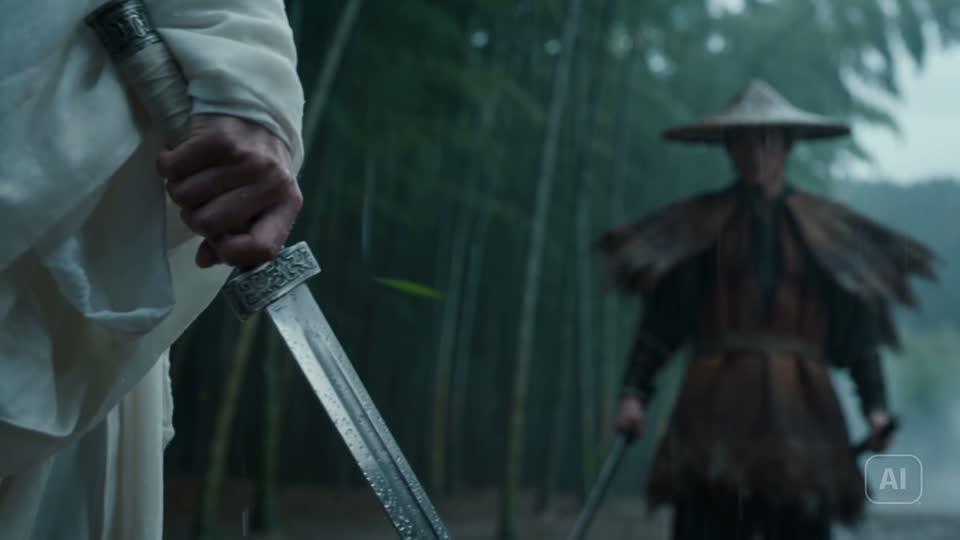
Try a reveal, a tight detail shot or a new backdrop for a product while the campaign is still on paper.
Social Hooks
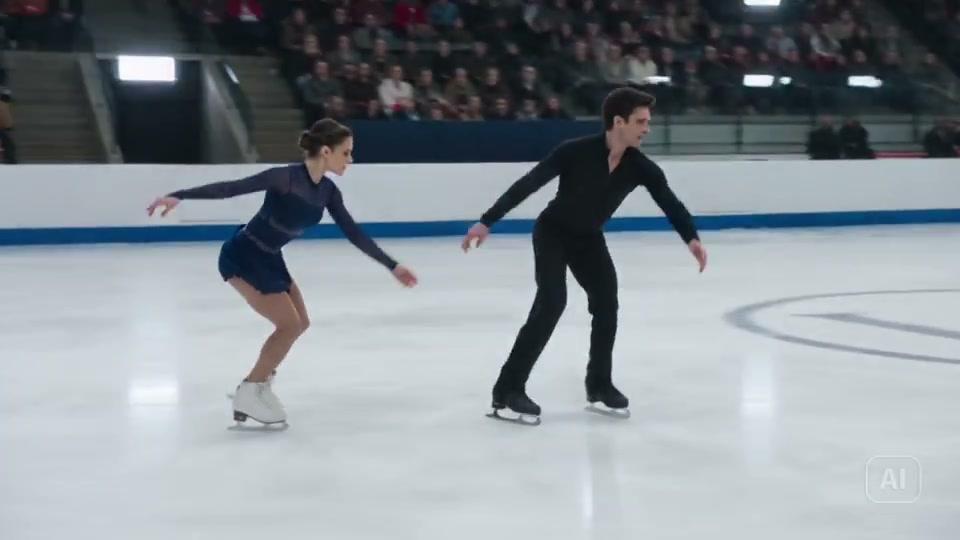
Make a few first seconds for Reels, Shorts or TikTok and keep the hook that stops the scroll.
Moving Storyboards
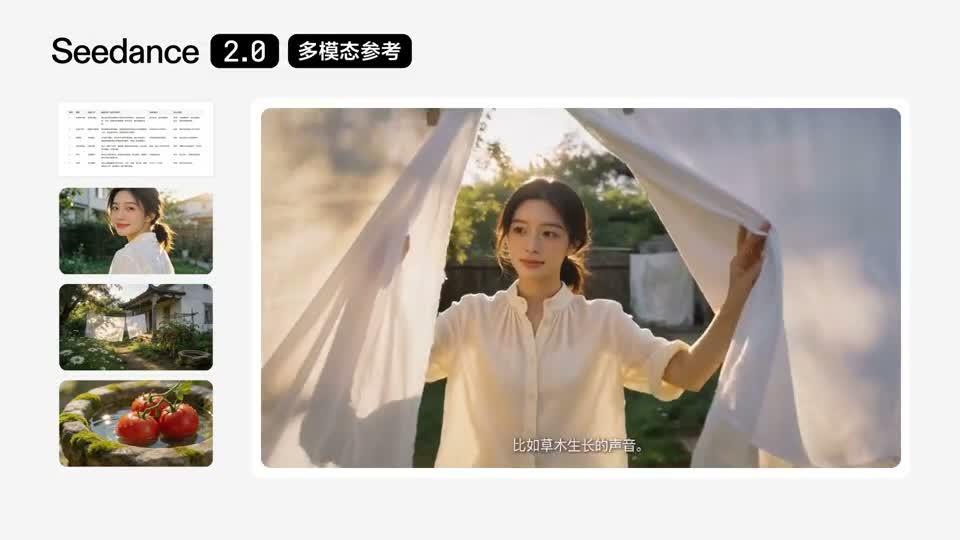
Check how fast a scene plays and where the camera should go before you cut a longer piece.
Animated Stills
Give a photo or illustration motion, with its framing as the first frame. Add a last frame if you know the ending.

Camera Tests
Compare a close-up, a tracking move and a transition side by side to settle on a shot style.
Audio Sketches
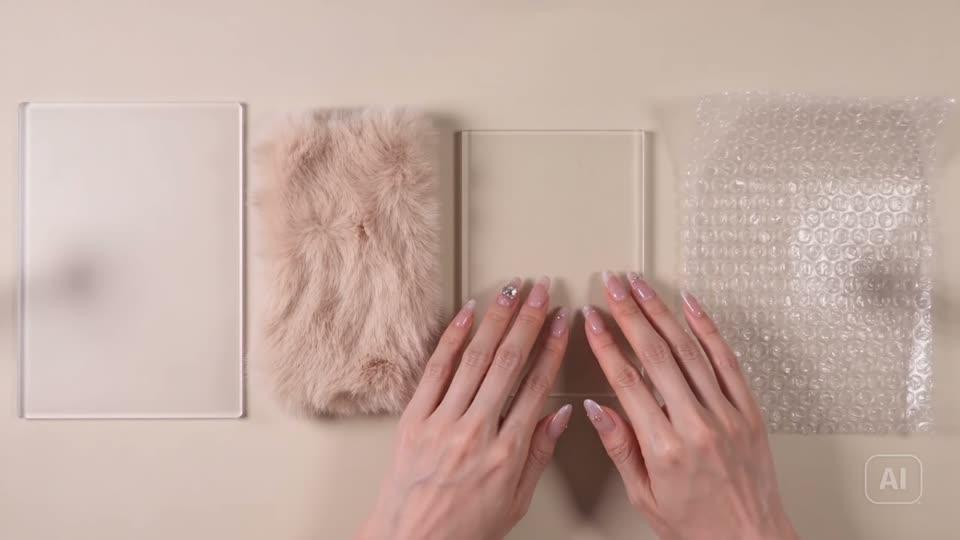
Hear speech, background ambience and effects next to the picture early, before a final edit.
Seedance 2.0 Fast Compared with Seedance 2.0 and Seedance 2.5
| Feature | Seedance 2.0 Fast | Seedance 2.0 | Seedance 2.5 |
|---|---|---|---|
| Good Choice For | Fast drafts and many variations | Everyday multimodal clips | Longer scenes and bigger reference sets |
| Clip Length | 4–15 seconds | 4–15 seconds | 4–30 seconds |
| Resolution | 480p / 720p | 480p / 720p / 1080p | 480p / 720p / 1080p |
| Text to Video | |||
| Image to Video | |||
| Reference to Video | |||
| Optional Audio |
Why Use Seedance 2.0 Fast on Seedance 2
Seedance 2 is an independent site that offers ByteDance's Seedance models. Here is what you get when you run Fast here.
All Seedance 2 Models Together
Seedance 2.5, Seedance 2.0, Seedance 2.0 Fast and Seedance 2 Mini sit in one model list, on one account and one credit balance.
Free Account, Starter Credits
Sign-up is free and needs no credit card. New accounts get starter credits, and Fast costs less per second than Seedance 2.5 for a first test.
Pay Per Clip with Credits
Credits are charged per second of video. A 720p second costs more than a 480p one, and the generator shows the total before you start.
Made for Ads and Social
Pick 16:9, 9:16, 1:1, 4:3, 3:4 or 21:9 so one idea can become a wide ad, a vertical post or a square feed clip.
New Versions Join the List
When a new Seedance version is added, it appears in the same model picker, so you can compare it with Fast without changing accounts.
Works in Your Browser
Nothing to install. Generate on desktop or mobile, find past clips in your Library, and download the finished video.
Seedance 2.0 Fast Pros and Cons
A plain look at where Fast helps and where another Seedance model may suit you better.
Pros
Built for shorter waits — Fast is the lower-latency take on Seedance 2.0, which helps when you want many drafts in a row.
Three ways in — Text to video, image to video and reference to video all run on Fast, so you can start from whatever you already have.
Start and end frames — Image to video takes a first frame and an optional last frame to guide where the shot ends up.
Sound when you want it — Audio is an option, not a default. Leave it off for silent tests or switch it on to hear the scene.
Cons
Tops out at 720p — There is no 1080p option. Seedance 2.0 and Seedance 2.5 offer 1080p if you need a sharper master.
15-second limit — Each clip runs 4 to 15 seconds. Seedance 2.5 goes up to 30 seconds for a longer scene.
Wait time is not fixed — Speed is the design goal, but finish time depends on demand and on your request. There is no guaranteed turnaround.