Product mockup: your screenshot on a laptop
Seedance 2 team · Updated
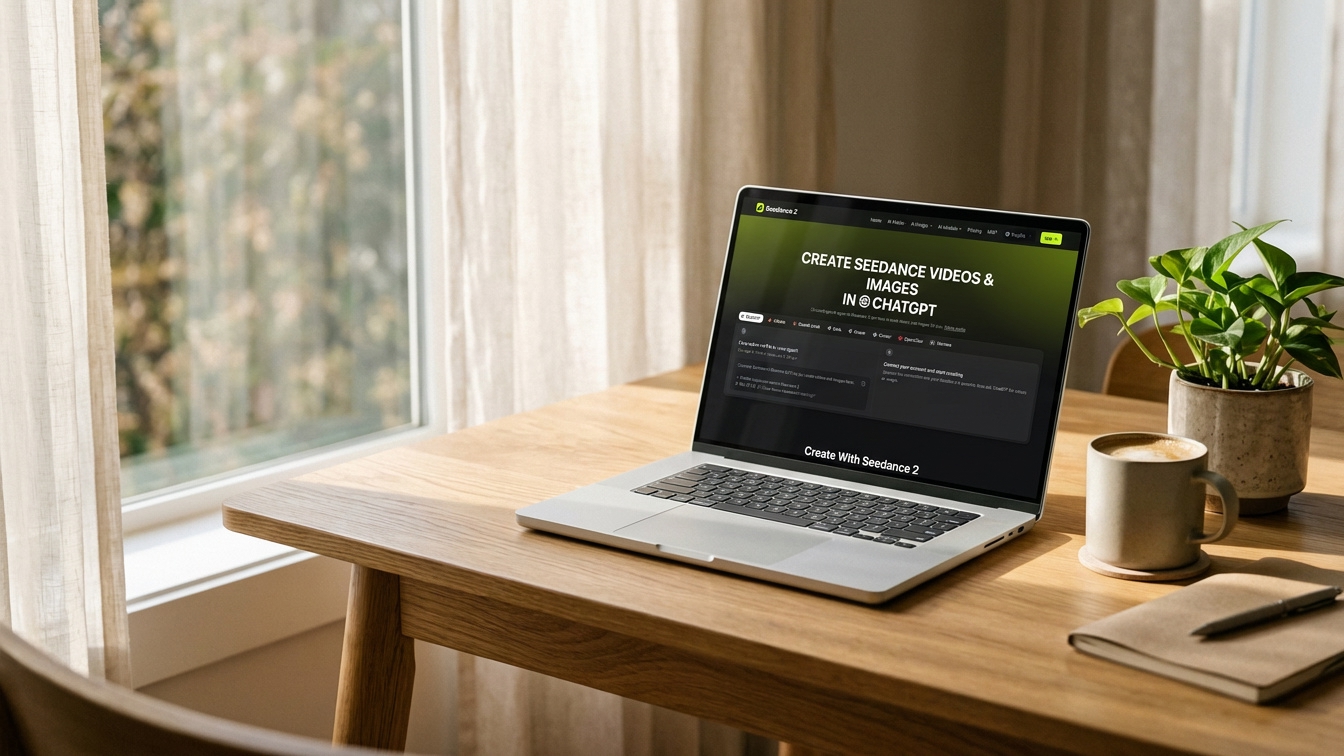
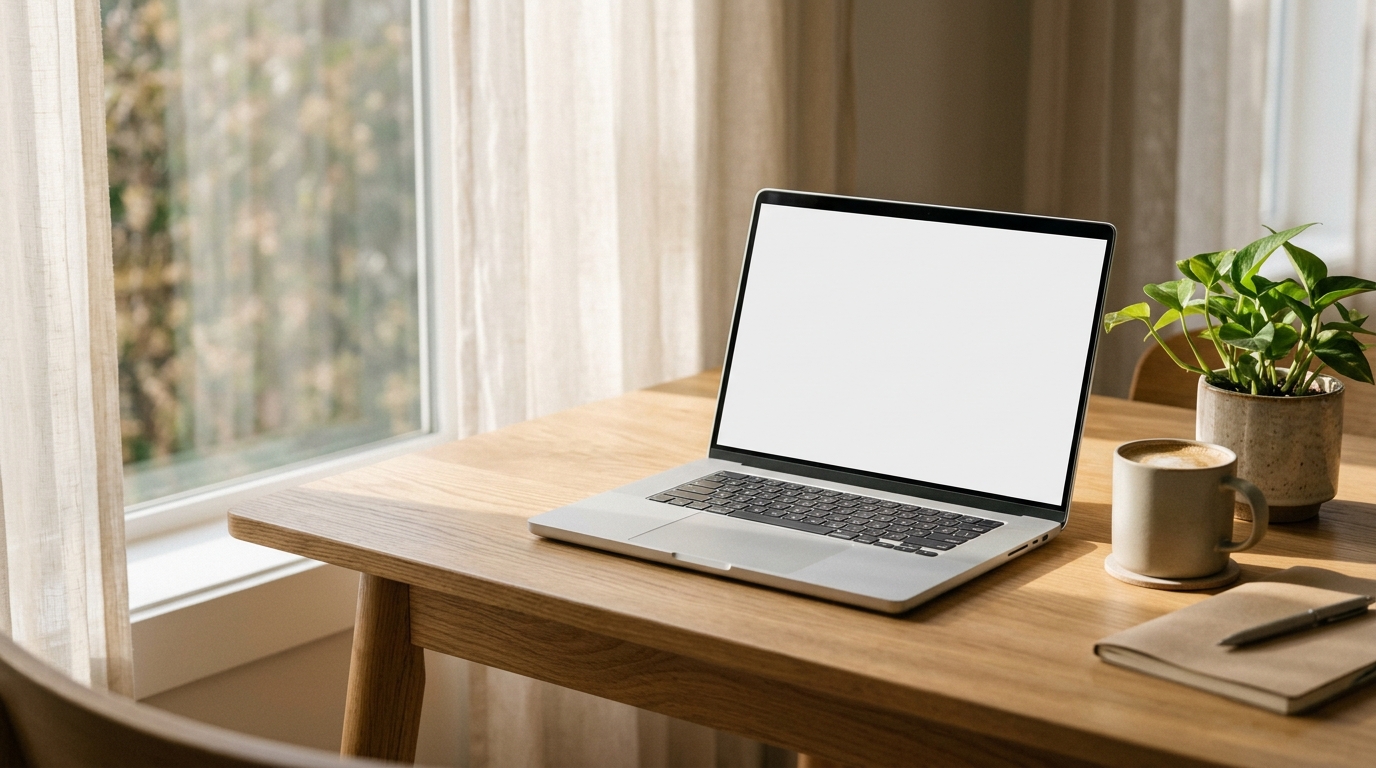
A two-pass mockup on Seedance 2: Nano Banana 2.1 made a photoreal laptop on an oak desk with a blank screen (1 credit, 39 s), then a second run placed a real screenshot of our own https://www.seedance2.net/plugin page onto that screen in perspective (1 credit, 1 min 3 s). Large text stayed readable; small text and one icon were redrawn.
The result
Pass 1: the device scene
Photorealistic lifestyle product mockup: a silver laptop open on a light oak desk next to a window, a cup of coffee and a small plant beside it, soft morning light, the laptop screen is plain white and faces the camera at a slight angle, shallow depth of field, no text or logos.
Settings: text to image, 1K, 16:9. The screenshot is a 1440×900 capture of our own page.
The prompt
Place the second image, a website screenshot, onto the laptop screen in the first image. Fit it to the screen exactly with the correct perspective, keep the screen's glass reflection and the room light, and do not change the text or layout of the screenshot.
Settings: image to image, the laptop scene and the screenshot as inputs, 1K, 16:9.
What it cost
| Model | Settings | Credits | Time to video |
|---|---|---|---|
| Nano Banana 2.1 | Text to image, 1K, 16:9 | 1 | 39 s |
| Nano Banana 2.1 | Image to image, 2 inputs, 1K, 16:9 | 1 | 1 min 3 s |
What came out
The screenshot sits on the screen at the right angle, with the window light and the desk unchanged.
The headline and layout are faithful, but small text is blurred and the ChatGPT icon in the headline came out as an @ sign: the model redraws the screen rather than pasting pixels. For a pixel-exact mockup, place the screenshot in a design tool on top of the generated scene.
Make your own
- Add Seedance 2 as a custom connector in Claude or ChatGPT with the URL https://www.seedance2.net/mcp, or open the generator on https://www.seedance2.net/text-to-video.
- Paste the prompt and pick the same model and settings.
- Results vary from run to run with the same prompt; generate twice if the first take misses.
- Generate the empty scene first and pick the best angle before you add the screenshot.
- Use a screenshot with large, simple text; fine print gets redrawn.
- Nano Banana 2.1 costs 1 credit per image at 1K and 2 at 2K, so try several versions before you animate one.
How this was made
Made on 2026-11-20 through the Seedance 2 MCP server (https://www.seedance2.net/mcp), the same way Claude, ChatGPT or Codex would call it, on a paid Seedance 2 account, so there is no watermark. Credits and times are what each run actually charged and took.
Try the prompt
Product mockup: your screenshot on a laptop
Image to videoUpload the device scene first, then your screenshot.
Place the second image, a website screenshot, onto the laptop screen in the first image. Fit it to the screen exactly with the correct perspective, keep the screen's glass reflection and the room light, and do not change the text or layout of the screenshot.
Questions
- Can AI put my app screenshot into a mockup?
- Yes, with image to image: send the device scene and your screenshot together, as here. Check small text; Nano Banana 2.1 redraws it.